woffice demo

WordPress Intranet for Small Business Operations | Woffice

TL;DR Small businesses juggling separate tools for HR, projects, documents, and communication can consolidate everything into a single WordPress intranet system. Woffice centralizes these functions in one place — though specialized tasks like payroll, full accounting, and large-scale inventory are […]

View post
woffice demo

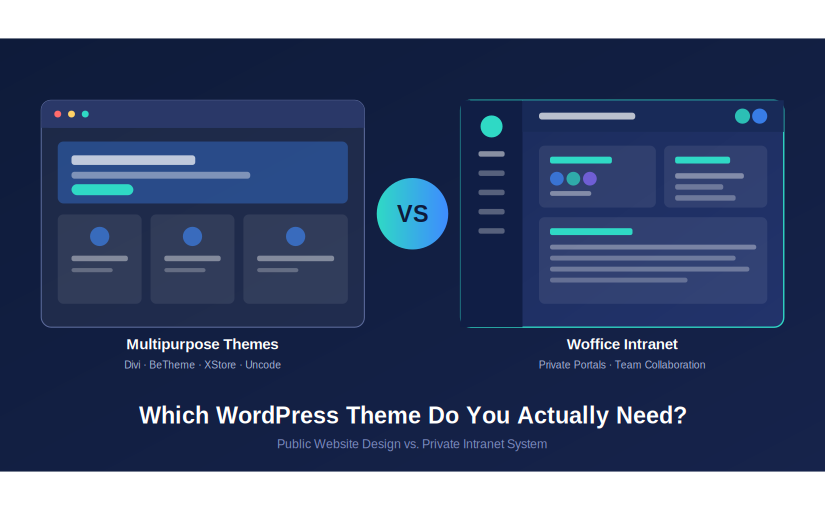
Multipurpose WordPress Themes vs Intranet Themes: Which One Do You Actually Need?

TL;DR Multipurpose WordPress themes like Divi, BeTheme, and XStore are great for public-facing marketing sites and stores, but they lack built-in intranet functionality, role-based access, and internal communication tools. If you’re building a private company portal, team dashboard, or membership-based […]

View post
woffice demo

How to create a WordPress plugin to login and register using Facebook API – Part 2

As promised, here is the part 2 of our tutorial to create a Facebook WordPress plugin. Thanks a lot for your feedback. Be sure to checkout part 1 before Before starting off, a special thanks to Ovidiu Turean who made a […]

View post
woffice demo

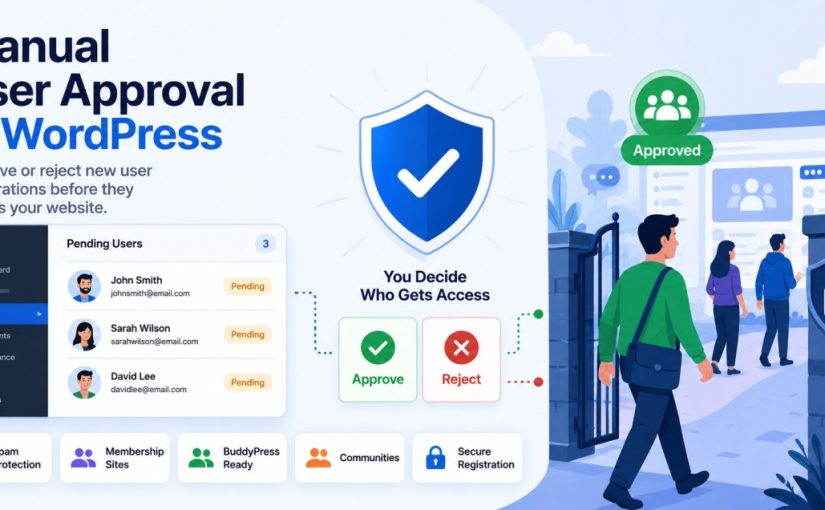
Manual User Approval in WordPress: Approve New User Registrations

TL;DR Manual user approval WordPress setups let admins review and approve every new registration before granting site access, instead of allowing instant sign-ups. This is done by enabling WordPress registration moderation through a plugin such as Eonet Manual User Approve, […]

View post
woffice demo

How to create a WordPress plugin to login and register using Facebook API

In this tutorial, we will see how to write a simple WordPress plugin in order to Login and Register your users right on your WordPress site using the Facebook API. It is very easy to do and we will go through […]

View post
woffice demo

Woffice Slack integration for Internal Communication + Notifications

TL;DR Setting up Woffice Slack integration takes just a few steps: activate the native Slack extension from Woffice’s Extensions page, create a Slack app, and connect it using your Client ID and Secret. Once linked, you can choose a channel […]

View post
woffice demo

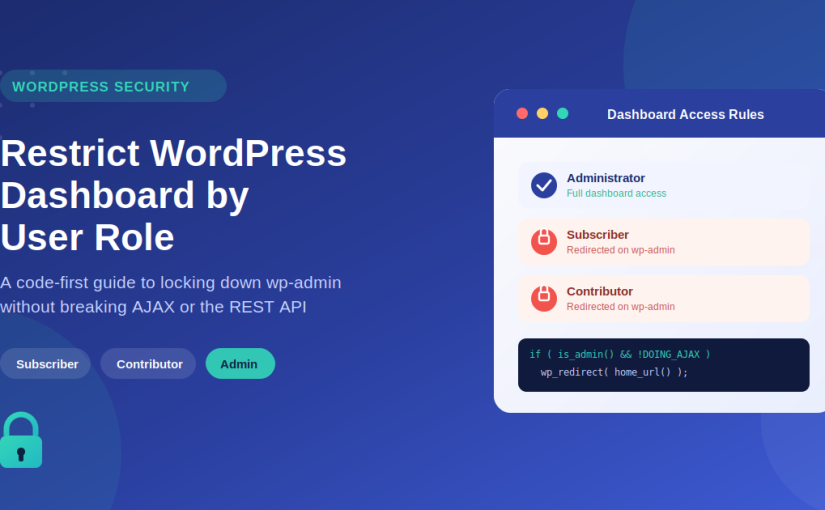
Restrict WordPress Dashboard Access by User Role (Without Breaking AJAX or REST API)

TL;DR If you need to restrict WordPress dashboard access by user role, avoid the common mistake most site owners make: blocking /wp-admin/ without accounting for AJAX calls, which also route through that same admin path and can silently break your […]

View post
woffice demo

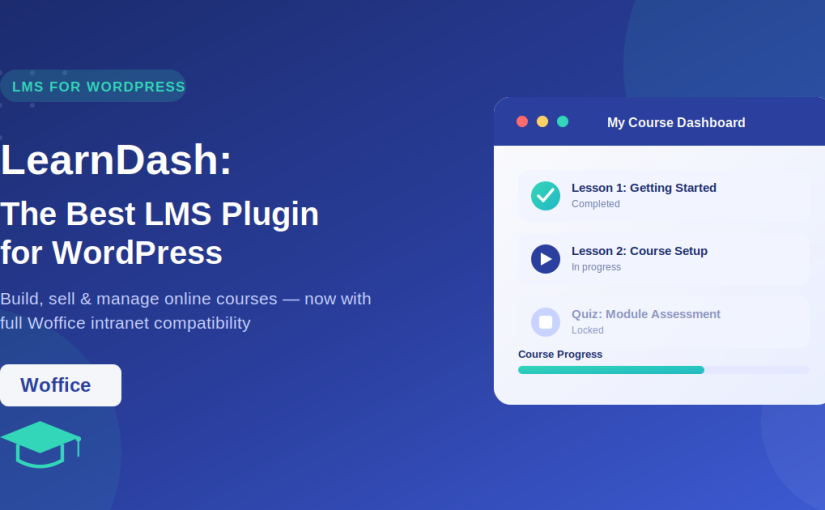
LearnDash WordPress Plugin: The Best LMS Plugin for WordPress + Woffice Compatibility

TL;DR LearnDash is one of the most trusted LMS plugins for WordPress, used by universities, corporate trainers, and course creators to build, sell, and manage online courses. It offers multi-tier courses, quizzes, certificates, assignments, and flexible pricing (one-time, recurring, or […]

View post
woffice demo

Best WordPress User Management Plugin Options (WP User Manager & Alternatives)

TL;DR Choosing the right WordPress user management plugin depends on what you need to manage, including user registrations, profiles, roles, permissions, memberships, or private content access. Tools like WP User Manager, Ultimate Member, Paid Memberships Pro, and User Role Editor […]

View post
woffice demo

Create a paid memberships area on your WordPress site

TL;DR Building a paid membership intranet with WordPress is easier with the right combination of tools. Paid Memberships Pro helps you create membership levels, manage subscriptions, restrict content, and handle payments, while Woffice turns your website into a professional intranet […]

View post