 "
"
Manual User Approval in WordPress: Approve New User Registrations






TL;DR
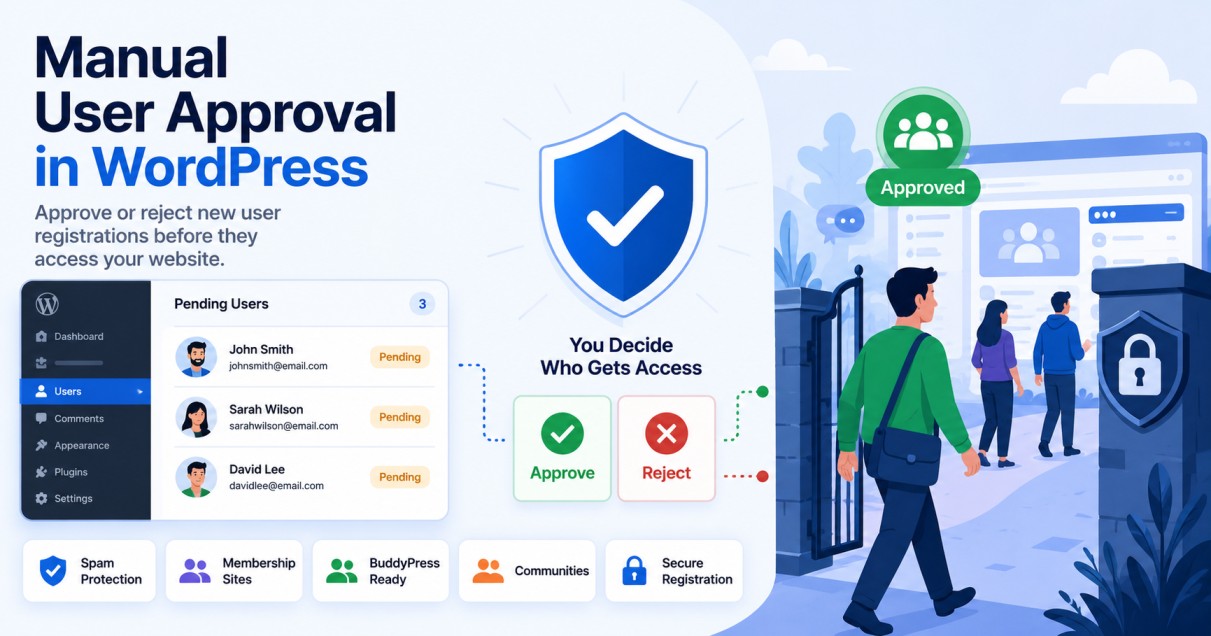
Manual user approval WordPress setups let admins review and approve every new registration before granting site access, instead of allowing instant sign-ups. This is done by enabling WordPress registration moderation through a plugin such as Eonet Manual User Approve, New User Approve, WP User Manager’s approval add-on, or Ultimate Member’s moderation feature that gives admins a queue to approve or deny users manually.
To approve new user registration on WordPress sites reliably, most of these plugins add a pending-user status and customizable approval emails, with no need for custom code. This kind of WordPress admin-approved users workflow is especially valuable for private WordPress intranet user approval, like Woffice-powered company portals, where access should be limited to verified team members or departments. It’s equally useful for membership site user approval in WordPress builds, where controlled onboarding protects gated content and community access.
An overview
Manual user approval is essential for WordPress sites that operate as private communities, intranets, or membership portals.
Instead of allowing instant registration, administrators can review and approve each new user before granting access.
This is especially important in setups like Woffice-powered intranets, where access control determines who can view internal company data, team dashboards, or private resources.
In this guide, you’ll learn:
- How to enable manual user approval in WordPress
- How plugins handle registration moderation
- How does this work in Woffice-based intranet environments
Private WordPress Intranet User Approval with Woffice
If you’re running a private intranet or company portal using Woffice, user registration control becomes even more important.
Woffice environments typically require controlled onboarding, where:
- Users are not automatically granted access
- Admins validate each registration
- Access is assigned based on roles or departments
Instead of relying only on plugins, Woffice setups often combine user role management with controlled frontend access workflows. This makes it ideal for internal company portals and membership systems.
Recommended Alternatives for Manual User Approval
While Eonet Manual User Approve is a solid, lightweight option, it’s worth knowing your alternatives, especially if your site has different moderation needs or Eonet development ever slows down.
New User Approve (WordPress.org)
A widely used, actively maintained plugin that puts every new registration into a pending queue until an admin approves or denies it. A dependable default for most standard WordPress sites.
WP User Manager (approval add-on)
Built for sites that need more than basic approval, with a dedicated add-on for registration moderation alongside custom registration forms, user directories, and profile fields. A good fit for membership site user approval WordPress setups with more complex onboarding needs.
Ultimate Member (registration moderation feature)
Includes native registration moderation as part of its broader membership toolkit, useful if you’re already using Ultimate Member for profiles, roles, or content restriction and want approval handled in the same plugin.
Frequently asked questions
How do I manually approve new users in WordPress?
You can use plugins like New User Approve or enable registration moderation features to approve users before granting access.
Can WordPress require admin approval for new registrations?
Yes, WordPress can be configured to require admin approval using user moderation plugins.
Is manual user approval useful for intranet websites?
Yes, intranet and private portals use manual approval to ensure only verified users gain access.