 "
"
WordPress Intranet for Small Business Operations | Woffice






TL;DR
Small businesses juggling separate tools for HR, projects, documents, and communication can consolidate everything into a single WordPress intranet system. Woffice centralizes these functions in one place — though specialized tasks like payroll, full accounting, and large-scale inventory are still best handled by dedicated tools alongside it.
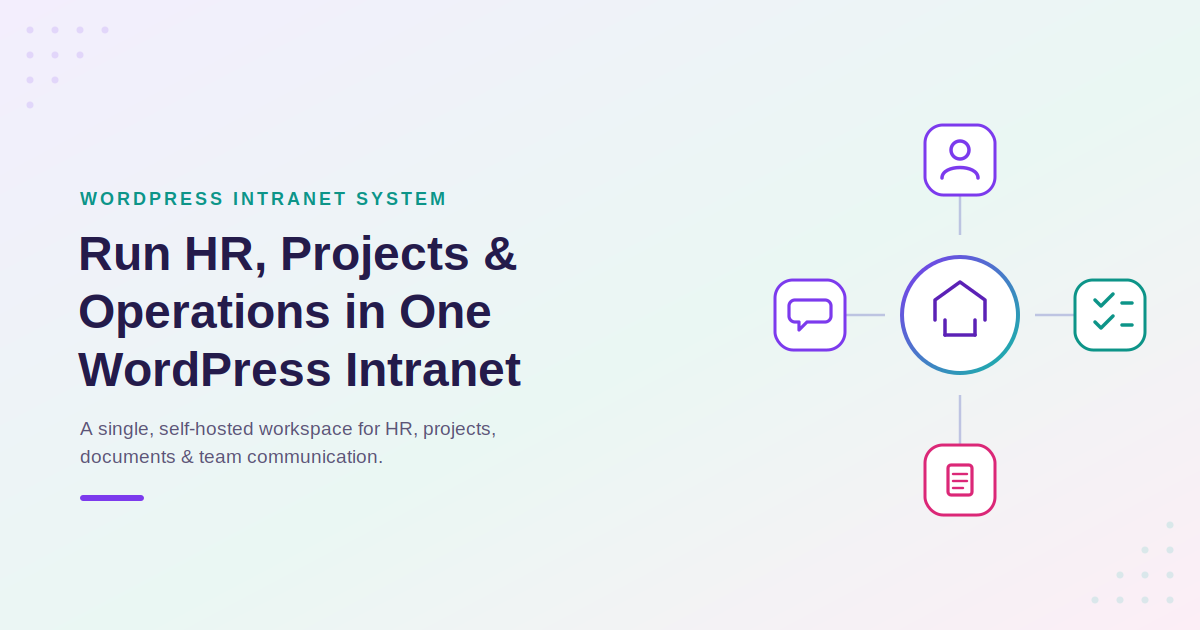
How Small Businesses Can Run HR, Projects & Operations in WordPress Using an Intranet System
It can be difficult for small businesses to manage their business operations using multiple isolated tools for managing human resources, projects, documentation, and team communication.
Multiple SaaS tools and complicated enterprise resource planning (ERP) systems aren’t necessary. More and more businesses are using WordPress-based intranet systems to consolidate their operations into one centralized workspace.
Woffice is one example of a WordPress-based intranet system. It turns WordPress into a company hub, offering intranet capabilities for managing collaboration, users, and project documents.
This guide analyzes typical operational challenges and demonstrates some of the solutions provided by a WordPress intranet system.
Common Operational Problems Small Businesses Face — And How a WordPress Intranet Solves Them
Small-business owners have to manage lots of human resources activities, manage customers, and keep projects organized, among other things. Some operational pain points are listed and explained, along with how the WordPress intranet system, Woffice, solves each of these.
Do the basic HRM problems challenge you?
Manually tracking attendance can be very labor-intensive and time-consuming. It can take a whole day just to perform a roll call for the entire year.
Woffice, a WordPress intranet system, allows you to centralize HR work, including user roles, employee databases, and internal communication workflows, to help you manage attendance, leave requests, and company announcements all in one place instead of endless spreadsheets and email threads.
Are you concerned about the long recruitment process?
Posting and screening job applicants and scheduling interviews can be tedious work. It is especially problematic if work is done through shared email threads and documents, as it can cause a lack of context for the recruitment process.
Woffice gives you the tools needed to keep recruitment workflows visible to the right people. This is done through an employee database and user roles that are set up according to company needs. These tools are provided on the same system your team uses on a daily basis.
Are you able to perform employee performance evaluations?
Performance evaluations can sometimes be a burdensome task if the evaluation criteria and feedback are misplaced or cannot be easily found.
Woffice provides managers the means to evaluate who is performing what tasks and when through member profiles and activity logs, and helps make performance discussions and evaluations more relevant and less based on memory.
Can’t remember the asset possessions?
Tracking laptops, phones, and other equipment assigned to employees by hand usually means outdated spreadsheets nobody trusts. A WordPress intranet centralizes this kind of internal record-keeping alongside your employee directory and documents, so equipment assignments stay attached to the same profile as everything else about that team member.
Are your valuable company papers disappearing?
Physical paperwork can be lost, damaged, or stolen, and it eats up office space and budget. Woffice’s document management and Wiki-style knowledge features let your team share files and internal documentation securely inside the intranet, accessible anytime without relying on scattered drives or paper trails.
Having a tiresome experience managing your business contacts?
Keeping business contacts organized used to mean physical Rolodexes or, today, disconnected spreadsheets that fall out of date fast. Woffice’s directory and member-mapping tools let you store and search contacts and companies inside your intranet, keeping customer and partner information close to the rest of your operational data instead of in a separate tool.
Do you want more ways to communicate with your employees?
It is impractical to want employees to abandon projects outside of your intranet system during the workday. Woffice has Slack integration that sends updates about tasks, comments, new employees, and intranet system activity to designated Slack channels.
Do you want to be able to work without interruption?
It is a hassle and impractical to create new notifications in Slack for the employees that you need to tell about task and document updates. Woffice brings expanded notification Slack Integration to intranet system users. Task and user deadline notifications and new user sign-up activities can be sent to Slack without needing to notify employees in Slack.
Are you ready to change how you control user access and sign-up?
It is a security risk to allow all employees to sign up for your intranet system unmonitored. Woffice has integrated Google- and Facebook-controlled sign-ups, while offering manual administrator account approval and sign-up.
Do you feel like large tasks give you more headaches than rewards?
Woffice provides a dedicated system to track multiple large tasks whenever your staff is being pulled in numerous directions. Woffice combines collaboration and project organization functionality, such as Kanban boards, Gantt charts, to-do lists, and time tracking, all into one package. Teams can avoid using an external project management tool and can track tasks and internal workflows. A search option and customized dashboards aid in viewing the progress of all the projects at one time.
Where a WordPress Intranet Has Boundaries — and Where Dedicated Tools Still Make Sense
While Woffice is great for most uses related to internal collaboration, HR, documentation, and project management, some specialized operational functions are typically better served by dedicated tools:
Personalized payroll and tax compliance — calculating payroll based on local or federal tax regulations is a specialized, compliance-based function that is usually accomplished with dedicated payroll systems or done via a third-party service.
Capturing and maintaining full accounting — balance sheets, income statements and bookkeeping are typically done with specific accounting tools (or via an accountant) and are not done via an intranet system.
Larger-scale inventory and stock management — businesses that have larger levels of physical inventory, purchase orders, and stock reporting may want a dedicated inventory and/or a lightweight ERP tool for that function that is integrated with their intranet.
Woffice is a powerful operational intranet layer — for HR, projects, documents and internal communication — that is not a full ERP replacement. A lot of small businesses run Woffice for their everyday collaboration and combine it with a dedicated tool that is very limited in its functions above.
Why WordPress Intranets Are Replacing ERP Systems for Small Businesses
Traditional ERP systems are designed for large corporations. They are very large, costly, and come with modules that a small team will never use. This mismatch is one of the main reasons why smaller businesses are starting to use more lightweight and modular systems.
Reasons for this transition include the following factors:
- Large, fully integrated ERP systems usually cost an order of magnitude more than what their needs justify for small teams.
- ERP systems based on WordPress intranets are modular. You can pay for an HR module, a project module, and a communication module, etc, and for only those modules needed.
- Since WordPress is the largest and most popular CMS among private sector company websites, employees are often already familiar with WordPress to some degree, and can extend a system rather than having to learn an entirely new enterprise system.
- A “light ERP alternative” is offered to small companies by systems like Woffice that combine enough modularity, enterprise structure and collaboration to stop tool sprawl at an enterprise level.
In summary, Woffice is a modular WordPress intranet designed for operational routing and structure for small companies. Woffice can replace ERP like systems for spreading CRM like systems that intranet systems for private companies are like.
Starting with a WordPress Intranet
For those with an existing WordPress site, the usual approach to deploying the Woffice intranet would be to install the theme, go through the setup wizard, and customize roles and permissions, as well as the HR, projects, documents, and communication modules, to fit your workflow. Since this is a theme as opposed to a complex, bulky collection of plugins, configuring modules, as much as possible, is done on standard WordPress management screens.
Frequently asked questions
Can WordPress be used for small business operations management?
Definitely, WordPress can take on the management of HR coordination, projects, documents, and internal communications if you use a theme like Woffice to build a business intranet.
Is WordPress a replacement for ERP systems?
Not completely. WordPress can take on the collaboration, task management, internal workflows, and HR coordination layers of the operations. However, dedicated systems will serve the specialized layers of the operations like payroll, full accounting, and large-scale inventory systems.
What is the best WordPress solution for a company intranet?
Woffice is one of the best intranet systems for small and medium-sized companies. It combines HR, project management, documents, and communication systems in one WordPress-based intranet.
Final words
For small businesses, the argument for using a WordPress intranet system is clear. Instead of spending money on several disconnected SaaS systems, your employees can use a system they are already familiar with, which combines the management of HR, coordination, projects, documents, and internal communications.
Woffice is an example of a theme that provides just this. It is a modular, WordPress-based intranet system that lowers your operational costs. It also allows the addition of dedicated systems for specialized functions that are required, such as accounting and payroll.
If you are interested in seeing Woffice in action, several Woffice product demos are available for your exploration.